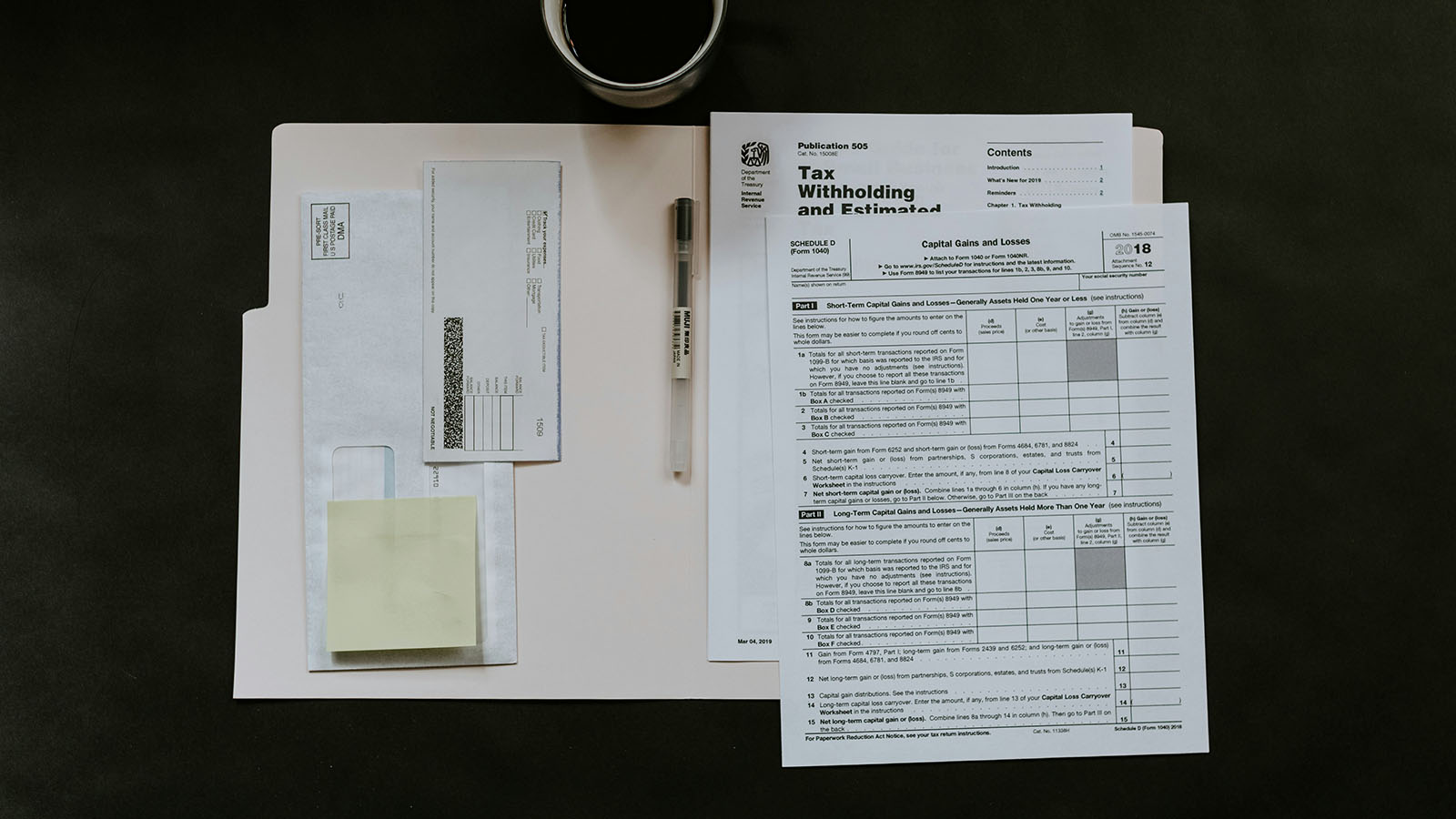
Document-heavy workflows are one of the biggest time sinks in modern organizations. Contracts, invoices, RFPs, security questionnaires, policies — they all contain valuable information, but most of it is trapped in PDFs, email threads, or scanned images.
AI-based document processing can dramatically reduce manual review time without sacrificing control, especially when designed with validation and human oversight.
This guide explains what AI document processing is, where it delivers the highest ROI, and how to implement it safely.
What is AI document processing?
AI document processing is the use of machine learning and language models to:
- Extract key information from documents
- Classify document types
- Summarize long text into actionable insights
- Standardize information into structured formats
- Route documents or tasks to the right person/team
The goal is not "make documents disappear." The goal is:
> Turn documents into structured, usable data and clear decisions — faster.
Why traditional automation struggles with documents
Traditional automation works best with structured inputs:
- web forms
- spreadsheets
- database records
- consistent templates
Documents are rarely structured:
- contracts vary in formatting and language
- invoices come from thousands of vendors
- scanned PDFs may be imperfect or skewed
- important fields can appear in many forms
AI helps because it can interpret language and context — but reliability depends on how you design the workflow.
The building blocks of a modern document processing pipeline
Most production-grade systems combine several components:
1) Document ingestion
Sources might include:
- email attachments
- shared drives (Google Drive / SharePoint)
- CRM or ticketing platforms
- upload portals
- APIs
2) OCR (if needed)
If the document is a scanned PDF or image, OCR converts it to text.
Key point: OCR quality matters — if OCR is messy, extraction will be messy.
3) Structure detection
This step identifies sections like:
- headings
- tables
- key/value pairs
- signatures
- footers and boilerplate
4) Classification
AI determines what the document is:
- NDA vs MSA vs DPA
- invoice vs receipt
- RFP vs questionnaire
- policy vs agreement
Classification lets you route to the correct workflow.
5) Extraction
AI pulls key fields into structured data:
- names, dates, amounts
- effective and termination dates
- vendor/company name
- liability caps
- payment terms
6) Summarization
Summarization turns long text into actionable output:
- "Here are the top obligations and risk areas."
- "Here's what changed compared to the last version."
- "Here are the fields you need to approve or review."
7) Validation and review (critical)
Production systems need:
- confidence thresholds
- validation rules
- human approval for uncertain cases
- fallback handling
This is how you avoid "AI made a mistake and nobody noticed."
High-impact use cases
The best AI document processing projects are:
- frequent
- repetitive
- tied to business outcomes
- safe to automate partially
Legal use cases from Stratus Logic clients
1) Contract intake + routing
Problem: Contracts arrive through email or shared folders and must be reviewed and routed.
AI can:
- identify contract type
- extract counterparty and deadline
- summarize key risks
- route to the right reviewer
Result: faster intake and fewer "lost" requests.
2) Clause extraction and risk detection
Problem: Legal teams repeatedly search for key clauses and compare against playbooks.
AI can:
- extract termination, liability, confidentiality, governing law
- flag missing or unusual clauses
- compare against internal standards
Result: faster review and more consistent outcomes.
3) Redline summarization
Problem: Business stakeholders struggle to understand legal changes.
AI can:
- summarize changes
- explain impact in plain language
- highlight approvals needed
Result: faster stakeholder alignment.
SaaS and tech use cases from Stratus Logic portfolio
1) Invoice and purchase order processing
Problem: Accounts payable teams spend time reading and entering invoices.
AI can:
- extract vendor, invoice number, amount, due date
- validate against PO
- route exceptions to a human
Result: faster processing, fewer errors.
2) RFP / security questionnaire support
Problem: SaaS teams spend hours answering similar questions repeatedly.
AI can:
- classify questions
- retrieve relevant responses from internal docs
- draft answers for review
- standardize tone and format
Result: faster sales cycles and less repetitive work.
3) Customer contract extraction and CRM enrichment
Problem: Terms from customer contracts aren't consistently entered into systems.
AI can:
- extract renewal dates, payment terms, special clauses
- generate structured fields for CRM
Result: better forecasting and fewer renewal surprises.
What makes AI document processing reliable (and what makes it fail)
AI document processing projects usually succeed or fail based on these design decisions.
Why these systems fail
Common failure modes
- No validation (outputs taken as truth)
- No monitoring (quality slowly degrades)
- Poor OCR quality (garbage in, garbage out)
- Treating AI like deterministic code
- Too many document types at once
- Lack of clear "source of truth" for policies
The reliability blueprint
To make document processing trustworthy, implement:
1) Confidence thresholds
If the AI isn't confident, it should:
- ask for clarification
- mark as "needs review"
- route to a human
2) Validation rules
Examples:
- invoice total must be a valid number
- date must match expected formats
- contract term must be within plausible range
3) Human-in-the-loop for critical outputs
Especially for legal:
- final risk decisions should be reviewed
- external communications should be approved
4) Source-based outputs (citations)
If AI summarizes a clause, it should reference:
- the relevant section text
- the page location or clause name
This reduces hallucination risk and increases trust.
A practical example workflow (contract intake)
Here's a simple system that delivers real value without excessive risk:
1. Upload / ingest contract
2. Classify contract type (NDA, MSA, DPA…)
3. Extract metadata (counterparty, effective date, term, governing law)
4. Highlight key clauses (liability, termination, confidentiality)
5. Generate an intake summary
6. Route to correct reviewer based on type and risk flags
7. Human review and approval before decisions are finalized
This reduces manual work while keeping control and auditability.
How to measure ROI
Document processing ROI often comes from:
- reduced manual entry
- reduced review time
- fewer errors
- faster turnaround
Track:
- minutes per document (before vs after)
- rework rate
- time-to-route
- cycle time from receipt → decision
Even modest improvements can create significant ROI at scale.
Best practices for getting started
If you're implementing document processing for the first time:
Start with one document type
Pick something frequent and standardized:
- invoices
- NDAs
- intake forms
- support attachments
Automate extraction + routing first
This provides value without over-automating.
Add summarization after
Summarization is powerful, but it requires careful evaluation.
Expand gradually
Once you have one reliable workflow, scaling to adjacent use cases becomes much easier.
Final thoughts
AI document processing isn't about replacing expert review — it's about removing the repetitive work that consumes time and creates bottlenecks.
The best systems:
- accelerate human decision-making
- produce structured outputs
- include validation and review
- improve over time with monitoring
Want to streamline document-heavy workflows?
Stratus Logic builds AI automation that's measurable, secure, and designed to scale.